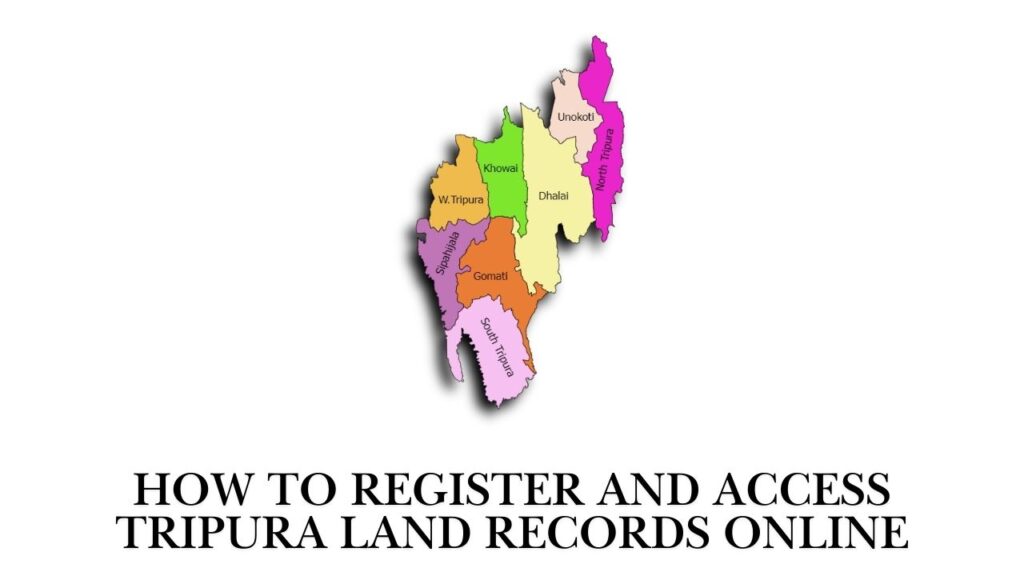
Tripura, a northeastern state in India, has digitized its land records system to promote transparency, reduce disputes, and enable citizens to access property information conveniently from home. The official online platform for Tripura land records is Jami Tripura (also known as eJami or Tripura Bhulekh), managed by the Revenue Department, Government of Tripura. The portal’s primary URL is https://jami.tripura.gov.in/. This system is part of the national Digital India Land Records Modernization Programme (DILRMP) and provides services like viewing Records of Rights (RoR)/Khatian, checking land details by plot/khatian number, name search, and related citizen-centric features.
Key Features of Jami Tripura Portal
The Jami Tripura portal allows users to:
- View Record of Rights (RoR) or Khatian online (textual land records showing ownership, plot area, crop details, etc.).
- Search land records by various criteria: Khatian No., Plot No. (Hal/New or Sabek/Old), Owner Name, Registration No., Registration Date, or Registration Type.
- Access mutation status, land valuation, and other revenue-related information in some sections.
- Reduce the need for physical visits to Tehsil offices or Revenue offices for basic verification.
Note that full mutation (name transfer after sale/purchase), certified copies, or new registrations may still require offline processes or visits to the Sub-Registrar/Tehsil office, but initial verification and viewing are fully online.
Do You Need to Register to Access Tripura Land Records?
As of 2026, the core citizen services on jami.tripura.gov.in—such as viewing RoR/Khatian, searching land records, and checking public details—do not require mandatory registration or login for basic access. The portal is designed as a public e-governance tool, allowing anonymous searches to promote transparency. However:
- Some advanced features (e.g., downloading certified copies, applying for mutation online if enabled, or accessing personalized dashboards) may prompt for registration via the e-District Tripura portal or integration with Aadhaar-based authentication.
- For property registration (sale deed execution), the separate National Generic Document Registration System (NGDRS) portal at https://ngdrs.tripura.gov.in/ is used, which does require user registration, appointment booking, and biometric/photo capture.
Step-by-Step Guide: How to Access Tripura Land Records Online (Without Registration)
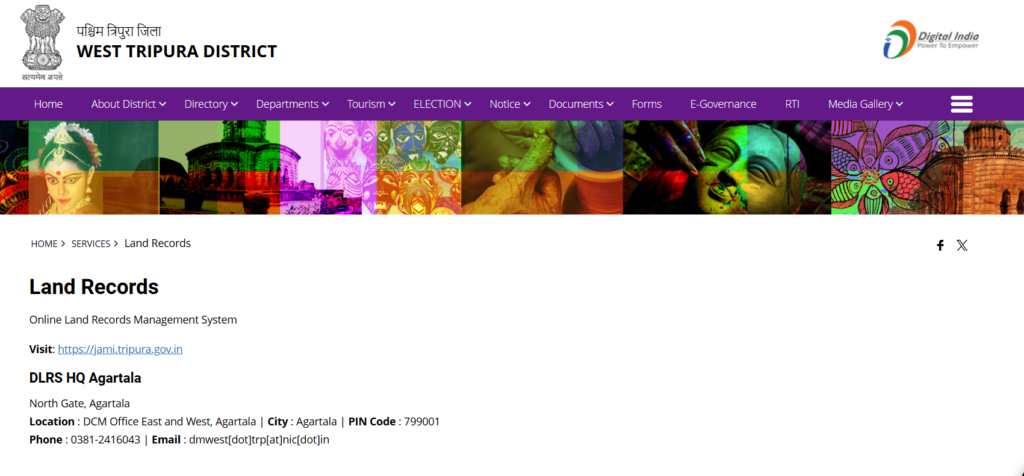
Follow these steps to check land records on the Jami Tripura portal:
- Visit the Official Portal Open a web browser (Chrome, Firefox, or Edge recommended) and go to the official website: https://jami.tripura.gov.in/. This is the primary land records portal managed by the Revenue Department. Avoid unofficial sites to prevent misinformation or phishing risks.
- Navigate to Citizen Services On the homepage, look for sections like:
- “Citizen Service” or “Citizen e-Centric Services”.
- “View RoR/Khatian” (most common option for land records).
- “Citizen Search” (for advanced queries). Click on “View RoR/Khatian” or “Citizen Search” (direct link often: https://jami.tripura.gov.in/Citizen_Service/citiz_ror.aspx or similar).
- Select Search Criteria The portal offers multiple search options:
- Khatian No. (traditional land record number).
- Plot No. (Hal/New) – Current plot number.
- Plot No. (Sabek/Old) – Old/previous plot number.
- Owner Name – Search by landowner’s name.
- Registration No. and Date – If you have deed details.
- Registration Type – Sale, gift, inheritance, etc. Choose the most relevant option based on the information you have.
- Enter Details and Location Select from dropdowns:
- District (e.g., West Tripura, Dhalai, North Tripura, etc.).
- Tehsil/Sub-Division.
- Village or Revenue Circle (if required). Then input the specific details (e.g., Khatian number or plot number). Enter the captcha code displayed on the screen for security verification.
- Submit and View Results Click “Search” or “Submit”. The system will display the land record details, including:
- Owner name(s) and share.
- Plot area (in acres/guntas/kathas).
- Classification (agricultural, residential, etc.).
- Crop details (if agricultural land).
- Mutation history (if available).
- Any encumbrances or remarks.
- Download or Print (If Available) Some records allow PDF download or print options. For certified copies, you may need to apply offline at the Tehsil office or through e-District services.
How to Register on Related Portals (If Needed)
While Jami Tripura viewing is registration-free, related services may require accounts:
- For e-District Tripura (edistrict.tripura.gov.in) – For certificates, applications, or integrated land services:
- Visit https://edistrict.tripura.gov.in/.
- Click “Citizen Login” or “New User? Register”.
- Enter mobile number → Receive OTP → Verify.
- Fill personal details (name, email, Aadhaar if prompted).
- Create password → Complete registration.
- Log in to apply for services like income certificate, residence proof, or land-related applications.
- For Property Registration/NGDRS (ngdrs.tripura.gov.in): This portal handles deed registration (sale, gift, etc.).
- Go to https://ngdrs.tripura.gov.in/.
- Register as a new user (provide mobile, email, Aadhaar-linked details).
- Book appointment at Sub-Registrar office.
- Upload documents, pay fees online, and attend biometric capture at the office. Registration is mandatory here for executing deeds.
Important Tips and Precautions (2026 Updates)
- Always use official URLs: jami.tripura.gov.in, revenue.tripura.gov.in, or ngdrs.tripura.gov.in. Beware of fake sites mimicking these.
- The portal is mobile-friendly but works best on desktop for detailed searches.
- Data accuracy: Online records are digitized versions; for legal purposes (court, loan, sale), obtain certified copies from Tehsil/Revenue office.
- Mutation process: After property purchase, apply for mutation offline at Tehsil with deed copy, old Khatian, etc. Online status may be viewable later.
- Helplines: Contact District Magistrate office, Revenue Department (Agartala), or call state helpline (if available) for assistance.
- Language: The portal supports English and Bengali.
By using Jami Tripura, citizens save time, reduce corruption risks, and verify ownership before transactions. For complex cases like disputes or inheritance, consult a local revenue officer or lawyer. This digital initiative has significantly modernized land administration in Tripura, benefiting farmers, homeowners, and investors alike.