To check Tripura Jami land records online (also known as eJami Tripura or Tripura Bhulekh), use the official portal managed by the Revenue Department, Government of Tripura. This platform digitizes land records under the Digital India Land Records Modernization Programme (DILRMP/NLRMP), allowing citizens to view Records of Rights (RoR), Khatian (textual land ownership details), plot information, mutation status, and related data transparently.
The official portal is https://jami.tripura.gov.in/. It is publicly accessible for most citizen services, and no registration or login is required for basic viewing of land records like RoR/Khatian or plot searches. The site supports English and Bengali, making it user-friendly for residents.
How to Check Tripura Jami Land Records Online
- Visit the Official Jami Tripura Portal Open a web browser (Google Chrome, Firefox, or Edge is recommended for best compatibility) and go to: https://jami.tripura.gov.in/ This is the primary and official site for Tripura land records (Bhulekh/Jami). Avoid third-party or unofficial websites to ensure data accuracy and security.
- Navigate to Citizen Services or View RoR/Khatian Section On the homepage, look for key sections such as:
- “Citizen Service” or “Citizen e-Centric Services”.
- “View RoR/Khatian” (most direct option for land records).
- “Citizen Search” (for advanced or name-based searches). Common direct links (based on official structure):
- https://jami.tripura.gov.in/Citizen_Service/citiz_ror.aspx (for Khatian/Plot-based search).
- https://jami.tripura.gov.in/EODB/citizen_search.aspx (for multi-criteria search). Click on “View RoR/Khatian” or “খতিয়ান/দাগ নম্বর দিয়ে দেখুন / Khatian/Plot based Search” (bilingual label).
- Choose Your Search Method The portal provides several search options depending on the details you have:
- Khatian No. (traditional record number for ownership details).
- Plot No. (Hal/New) – Current or updated plot number.
- Plot No. (Sabek/Old) – Previous/old plot number (useful for historical verification).
- Name (Owner’s name search).
- Registration No. and Registration Date (if you have deed details).
- Registration Type (e.g., sale, gift, inheritance). Select the most convenient criterion from the dropdown or radio buttons.
- Select Location Details Fill in the required location filters from the dropdown menus:
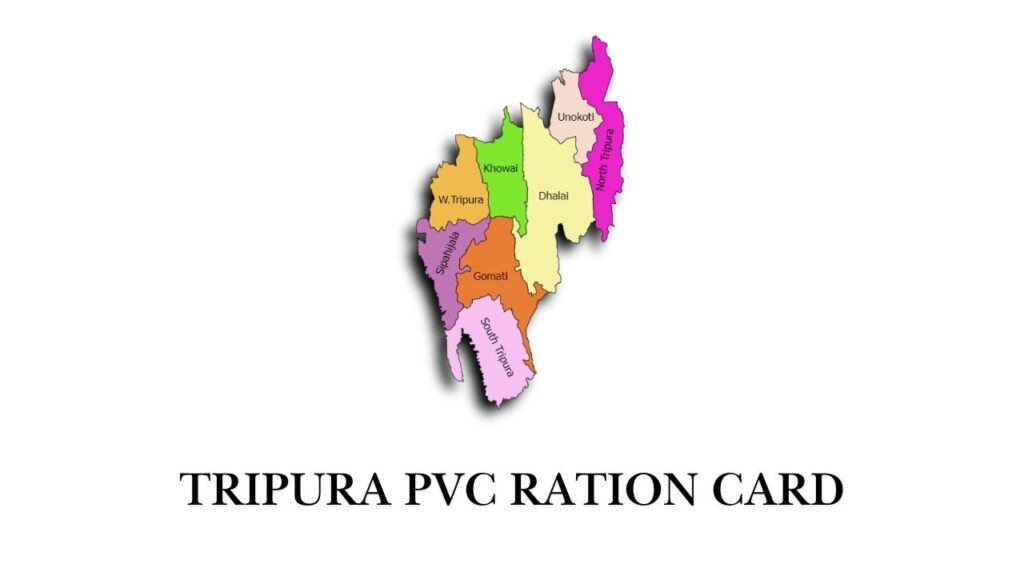
- District (e.g., West Tripura, Dhalai, North Tripura, South Tripura, Khowai, Unakoti, Gomati, Sepahijala).
- Tehsil/Sub-Division or Revenue Circle.
- Village or Mouza (if prompted). These help narrow down the search accurately.
- Enter Specific Details and Captcha Input the exact information based on your selected search type (e.g., Khatian number or plot number). Enter the captcha code shown on the screen (a security measure to prevent automated queries). Click “Search”, “Submit”, or “খোঁজ করুন” (in Bengali).
- View and Verify the Results The portal will display the land record details, typically including:
- Owner name(s) and share/proportion.
- Plot area (in local units like dhur, kranta, kara, ganda, or converted to acres/hectares).
- Land classification (agricultural, residential, commercial, etc.).
- Crop details (if agricultural).
- Mutation history or remarks (if available).
- Any encumbrances, loans, or legal notes. For mutation status specifically, use the dedicated link: https://jami.tripura.gov.in/Citizen_Service/mutation_status.aspx. Some records may include options to view maps or land valuation.
- Download or Print the Record (If Available) If the portal allows, download the record as PDF or print it directly. For certified/legal copies (required for court, loans, or sale), apply offline at the Tehsil/DCM office or through the e-District Tripura portal for additional services.
Additional Tips and Important Notes (2026 Updates)
- No Registration Needed for Viewing: Basic RoR/Khatian searches are open to the public without login, promoting transparency and reducing disputes.
- Mobile-Friendly: The site works on smartphones, but use desktop for detailed viewing.
- Data Accuracy and Legal Use: Online records are digitized for reference. For official/legal purposes (property transactions, loans, inheritance disputes), obtain certified copies from the local Tehsil, Revenue Circle office, or Sub-Registrar.
- Mutation (Name Transfer): After buying/selling land, mutation is applied offline at Tehsil with deed copies. Online status can be checked later.
- If Portal Issues Occur: Occasionally, the site may face technical downtime (e.g., past interruptions due to State Data Centre issues). Try during non-peak hours or check the Revenue Department site: https://revenue.tripura.gov.in/ for announcements and alternative links.
- Helplines and Support: Contact your District Magistrate office, local DCM (District Land Records) office in Agartala, or email dlrs.tripura@yahoo.in. For general queries, reach out to the Revenue Department.
- Related Portals:
- Property registration/deeds: NGDRS Tripura at https://ngdrs.tripura.gov.in/ (requires registration for deed execution).
- e-District for certificates: https://edistrict.tripura.gov.in/.
This online system has significantly reduced paperwork, corruption risks, and the need for repeated office visits in Tripura. Always verify critical details offline for high-stakes matters like property sales. If you encounter any specific error or need help with a particular search criterion (e.g., Khatian number format), provide more details for further guidance!